
How to Change the Balloons in Hello Kitty Island Adventure!
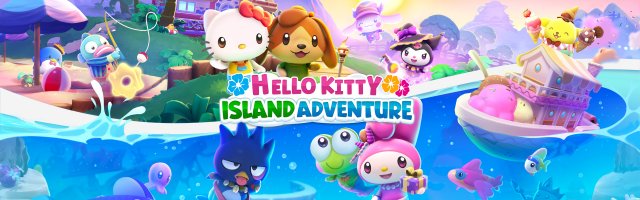
Hello Kitty Island Adventure is a cosy adventure title developed and published by Sunblink. In it, players get to experience numerous journeys alongside the beloved Sanrio cast, from Hello Kitty to Keroppi and Kuromi!
Players can customise their characters in various ways in Hello Kitty Island Adventure, including their outfits and balloons. Some events offer new styles, and even further ones can be found via quests! So, if you're wondering how you can change them, here's a quick guide.

- Head over to the inventory, which can be accessed by clicking I on the keyboard, arrow up on the D-Pad on the controller, or tapping the backpack icon at the top right-hand.
- Scroll to the icon that looks like a t-shirt.
- Once in the category, search until you find the balloons you'd like to use.
- Click on "wear"!
- Done!
You can change them as many times as you want! Have fun customising your character.
Hello Kitty Island Adventure is available on Steam, iOS, PlayStation 4, PlayStation 5, and Nintendo Switch.

GameGrin are proud to have all their articles researched, written, and edited by real people that care about gaming.



COMMENTS