
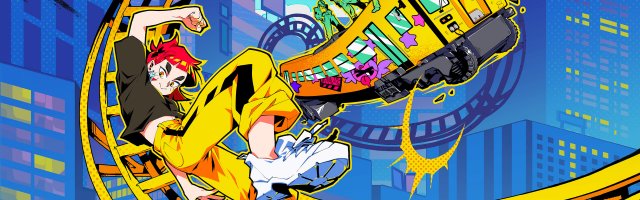
How to Unlock the Denshattack! Creator Skins
Denshattack! recently unveiled that they are collaborating with a list of creators! These influencers will have train skins and announcer packs in the game, and they will always be available, can be used on all the platforms, and will be entirely free!

That being said, each one will have to be activated, meaning they won't just appear on the roster unless unlocked. Here is how you can unlock the creator skins and announcer packs in Denshattack!:
- Go to a Castle Sticker Shop.
- In the Menu, input the directional codes.
- Go to the main map and open the garage (which you can find at the bottom left).
- For skins, head over to stickers, where skins can be applied.
- For Announcer Packs, head to the Start Menu.
- Next, find Settings.
- Pick the unlocked Announcer Voice.
Don't worry if you missed the streams, as Undercoders — the developer — will be sharing them all, so no one misses out. If the code doesn't work, try inputting them quicker, as timing matters!
Denshattack! is available now on Steam, PlayStation 5, Xbox Series X|S (as well as the Game Pass), and Nintendo Switch 2.

GameGrin are proud to have all their articles researched, written, and edited by real people that care about gaming.



COMMENTS